


Record wildlife activity
and changes in the field
Record the field with motion detection and infrared imaging.
Explore Browning cameras for your observation needs.
Features for field observation
Browning trail cameras record wildlife and activity outdoors. Compare image quality, trigger speed, infrared lighting and power options to choose a camera for your field site.
Photos & Video
Identify wildlife in still photos and follow behaviour in video with sound. Photo resolution and video quality vary by model.
Motion-Triggered Capture
Recording starts when motion is detected. Compare trigger speeds to choose a camera for fast-moving subjects.
Infrared Night Imaging
Infrared illumination records subjects in the dark. Match the lighting type and range to your subject and installation site.
Field Power Options
Fit the required number of AA batteries. Plan for site conditions and service visits, and check each model's external power support.
Detection Coverage
Aim the camera at wildlife routes and observation points. Check detection range and adjustment options to suit the site.
Features that support your observations
Explore motion-responsive video, interval shooting and storage management. Available features and settings vary by model.
SMART IR VIDEO
On supported models, this feature extends video recording as subjects move. Follow behaviour while an animal remains in view or moves through the scene.
Check the model's manual for operating periods and maximum recording times.
Time-Lapse & Review
Capture photos at set intervals to record changes over time. Review activity patterns across a wide area or throughout the day.
Review footage using the model's supported time-lapse viewer. Refer to the product manual for compatible software and review instructions.
Time-lapse schedules and simultaneous motion-triggered recording vary by model.
SD Card Storage Management
Overwrite ON: When the card fills, older recordings are overwritten so capture can continue.
Overwrite OFF: Recording stops when the card fills. Back up your files, then free space or replace the card.
With overwrite enabled, older recordings may be deleted automatically. Set a suitable collection schedule and back up important files separately.
Put your camera to work in the field
Record wildlife visits, movement and nearby activity
to support research and field management.
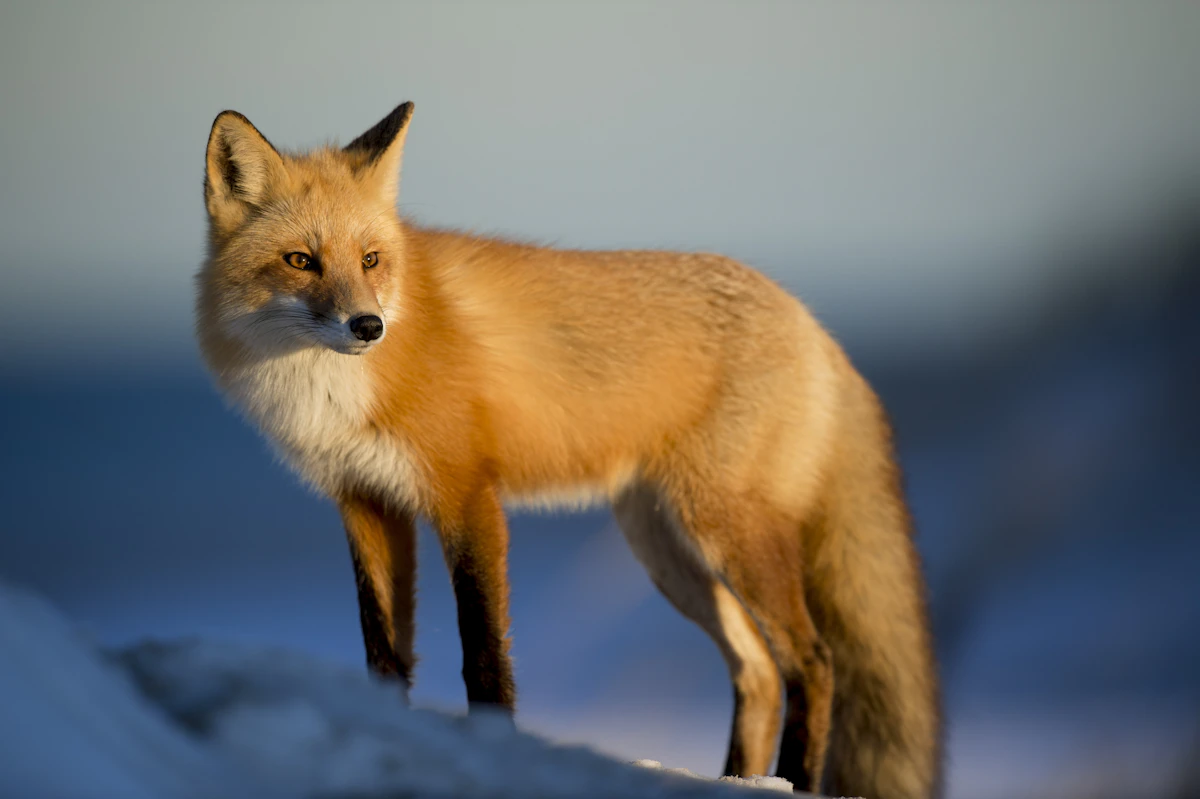
Wildlife & Ecological Research
Record wildlife visits, routes and behaviour as reference material for habitat surveys and species identification.
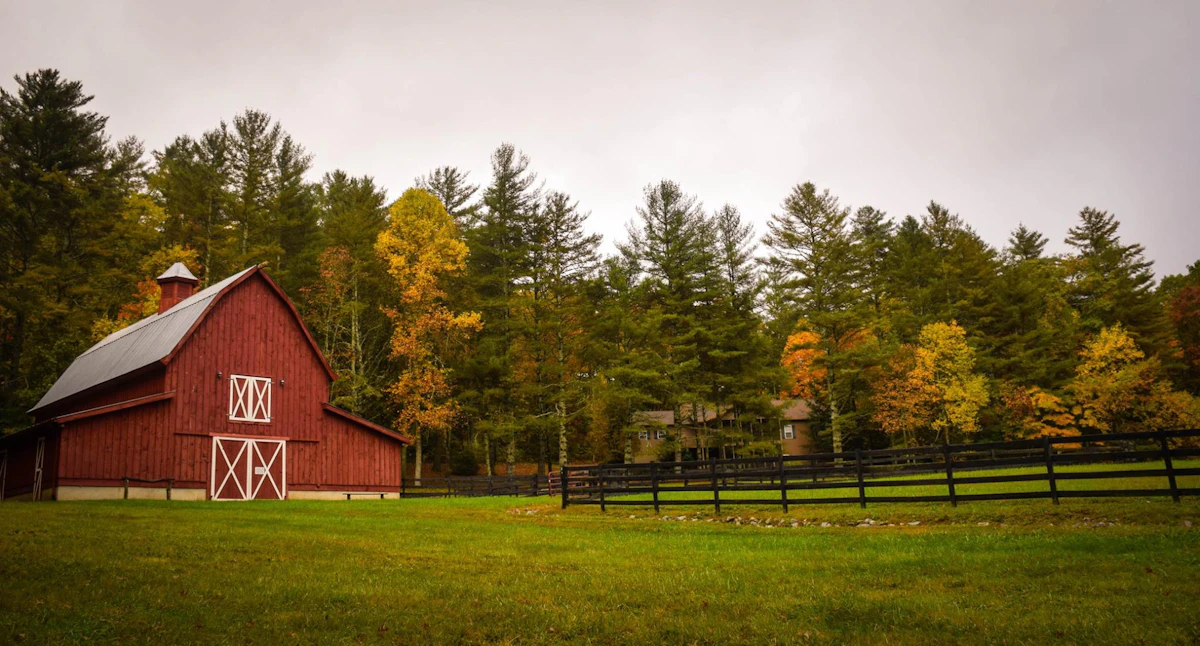
Farm & Livestock Activity
Record livestock and nearby wildlife to review night-time activity and recurring movement routes.
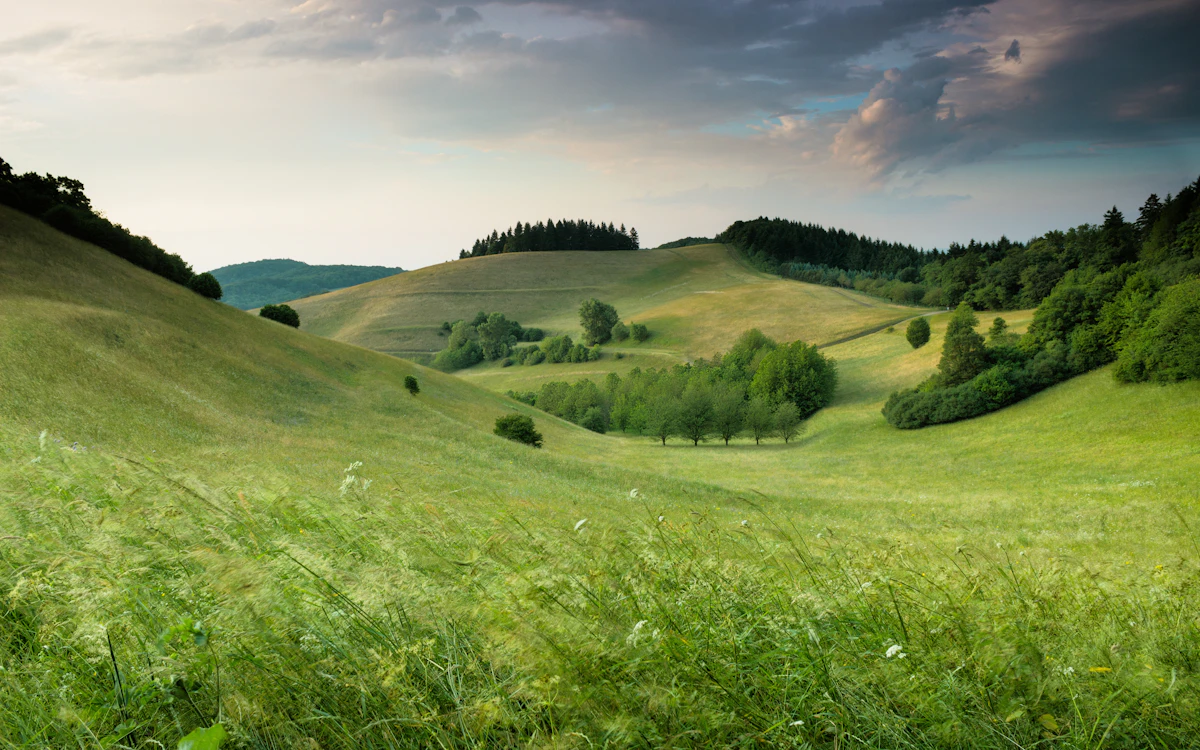
Crop Damage Investigation
Record animals approaching farmland and activity around damage events to help assess management options.
Activity Around Facilities
Record movement around sheds, fences and access routes to support site inspections with photos and video.
Browning Trail Cameras
Compare Camera Specs →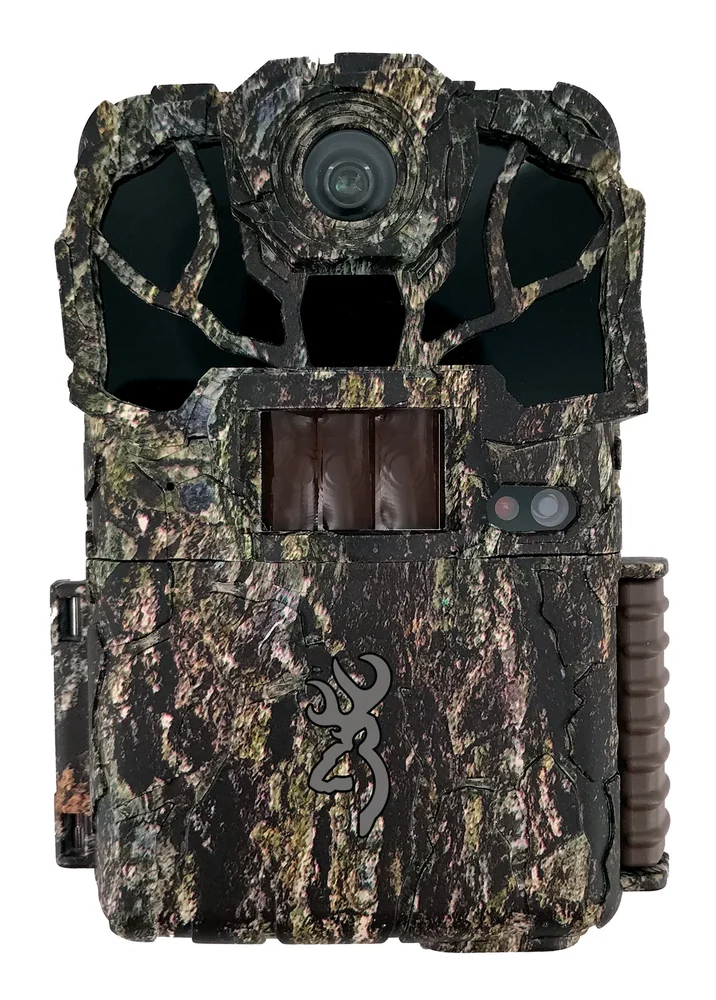
SPEC OPS ELITE HP5 ULTRA
46MP photos, 1440p video and invisible infrared. Check framing and recordings on the 2-inch colour screen.
View Product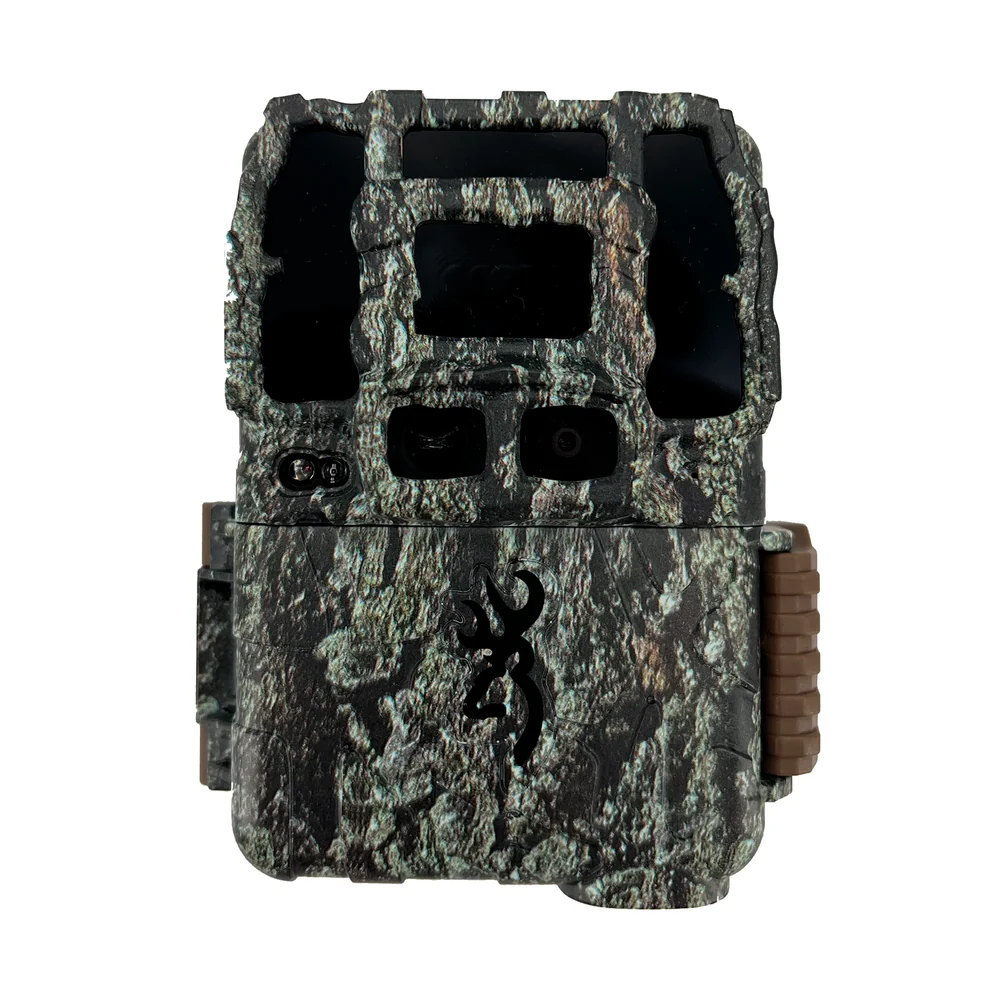
DARK OPS PRO DCL NANO
Dedicated day/night lenses and invisible infrared. Capture up to 46MP photos and 4K video with sound.
View Product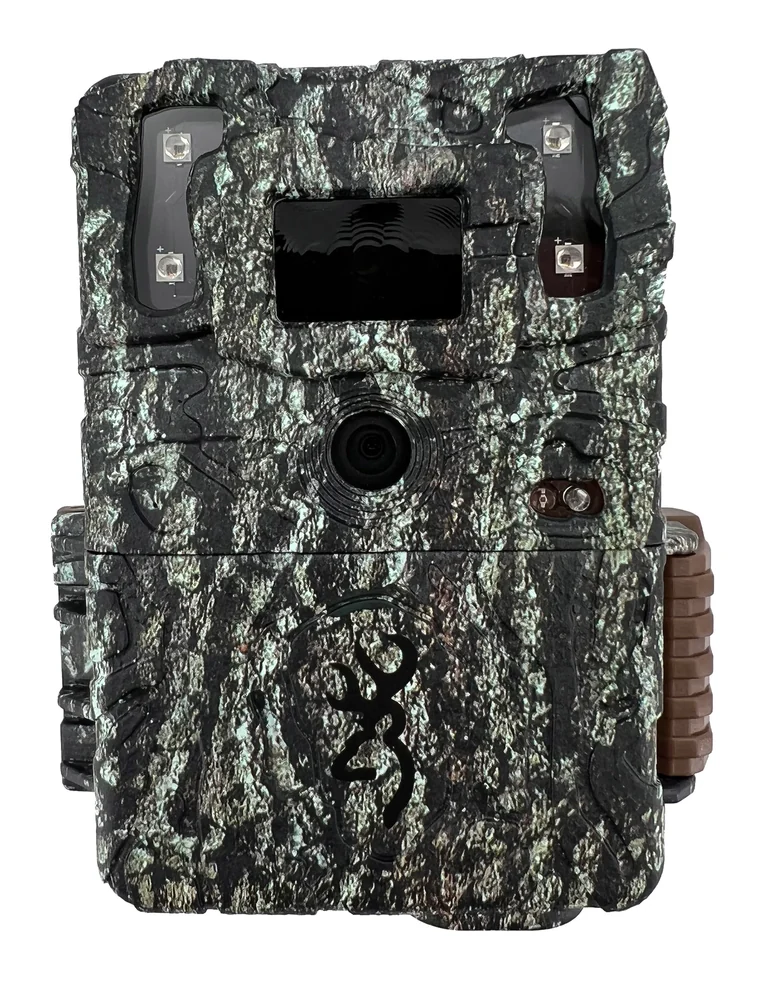
COMMAND OPS ELITE 40
Capture wildlife in up to 40MP photos and 900p video with sound, saved to an SD card.
View Product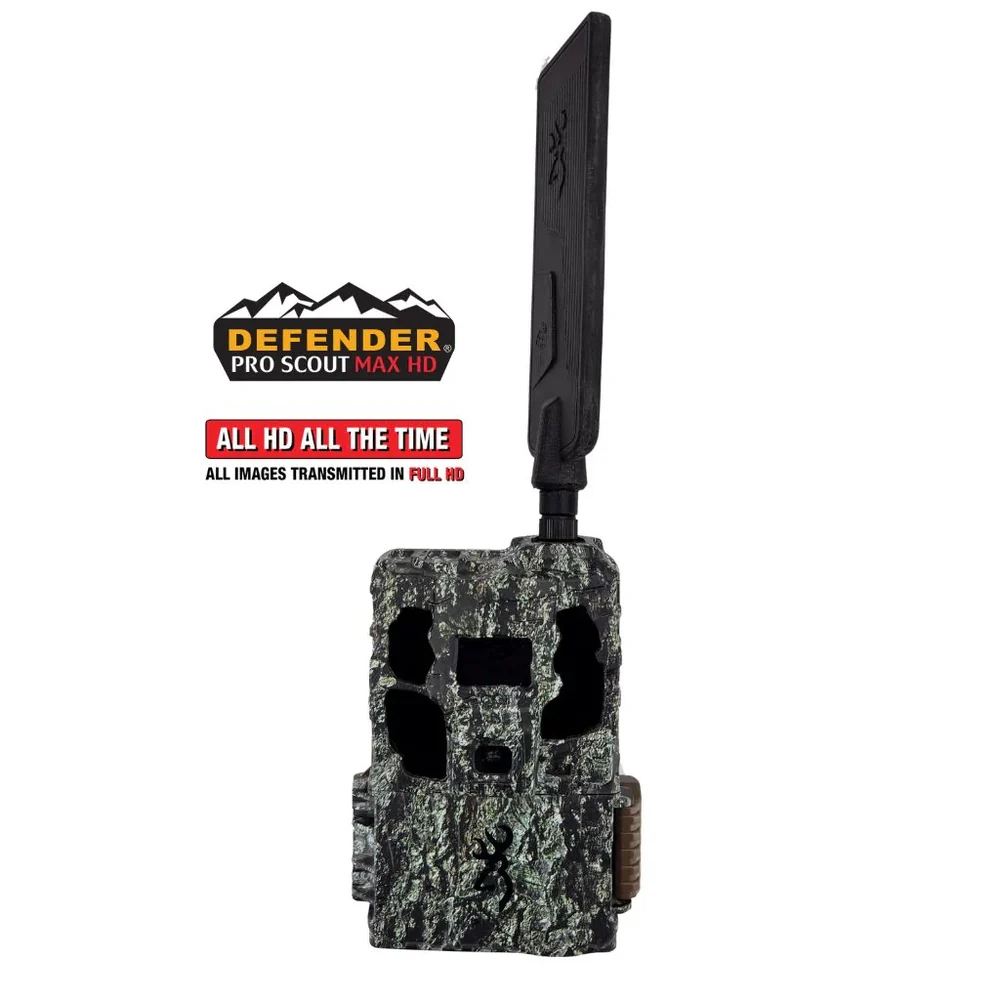
DEFENDER PRO SCOUT MAX HD SOLAR
View uploaded photos and change camera settings via app or web. Includes a separate solar panel.
View ProductField Accessories
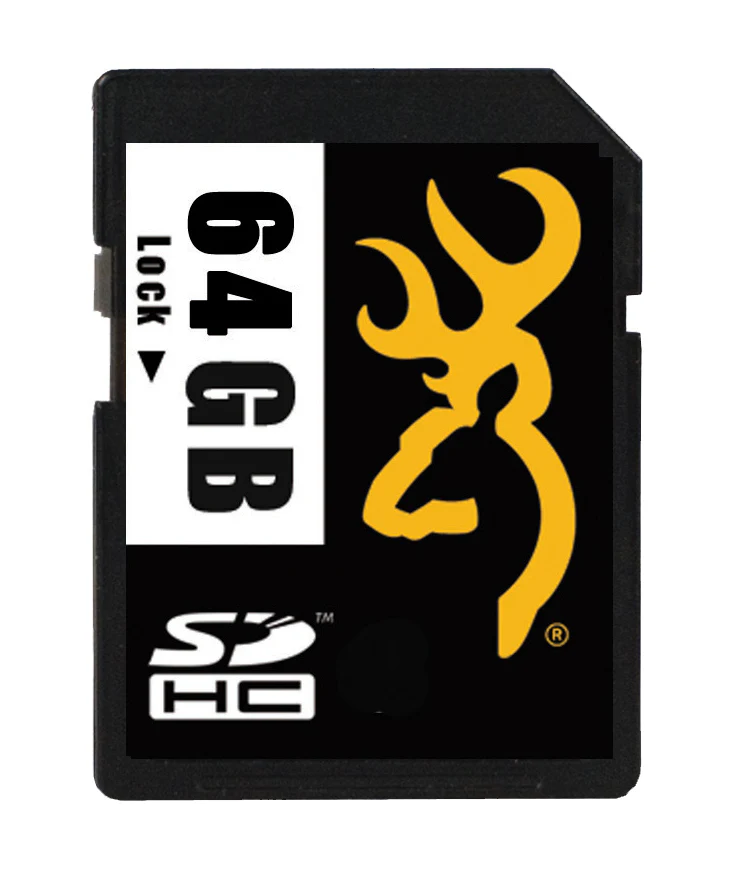
SD Memory Card
Store photos and video for transfer to a computer. Choose a capacity, card type and speed class supported by your device.
View Product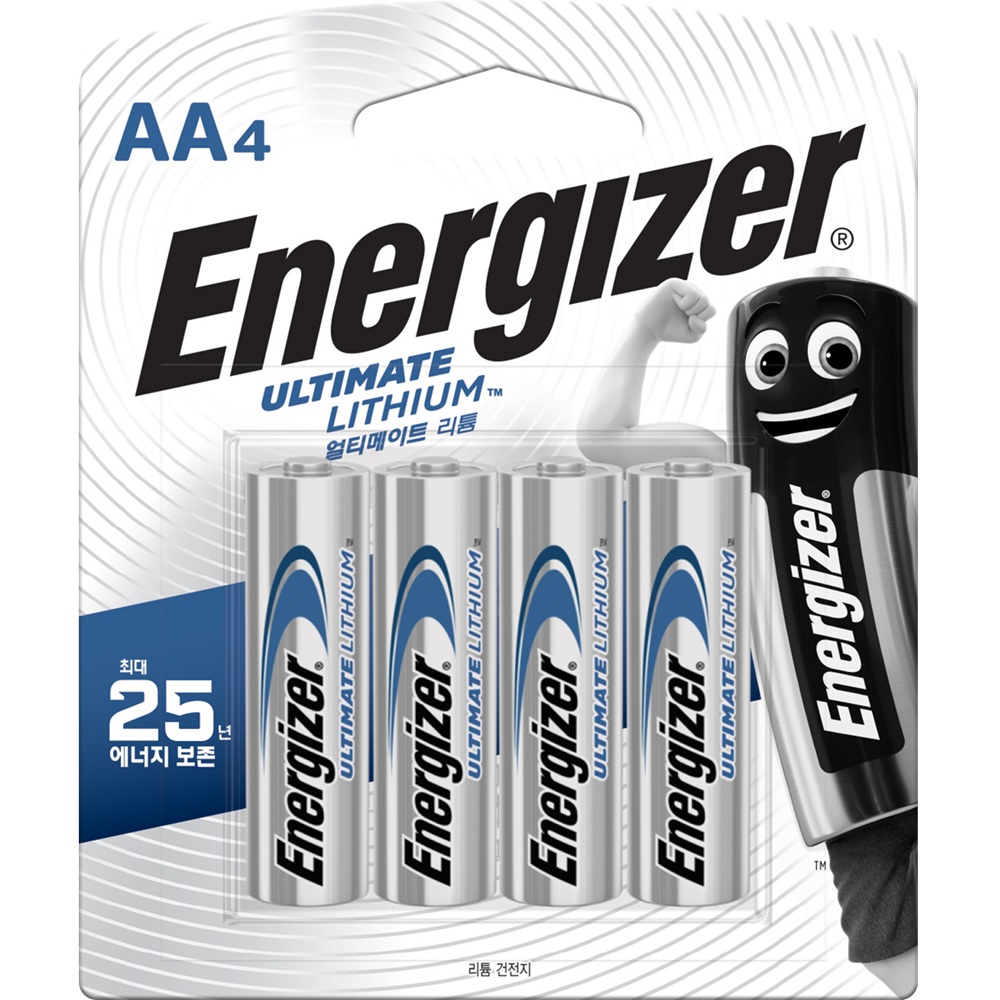
AA Lithium Batteries
Energizer Ultimate Lithium L91, 1.5V AA lithium batteries. Prepare the number required by your camera.
View Product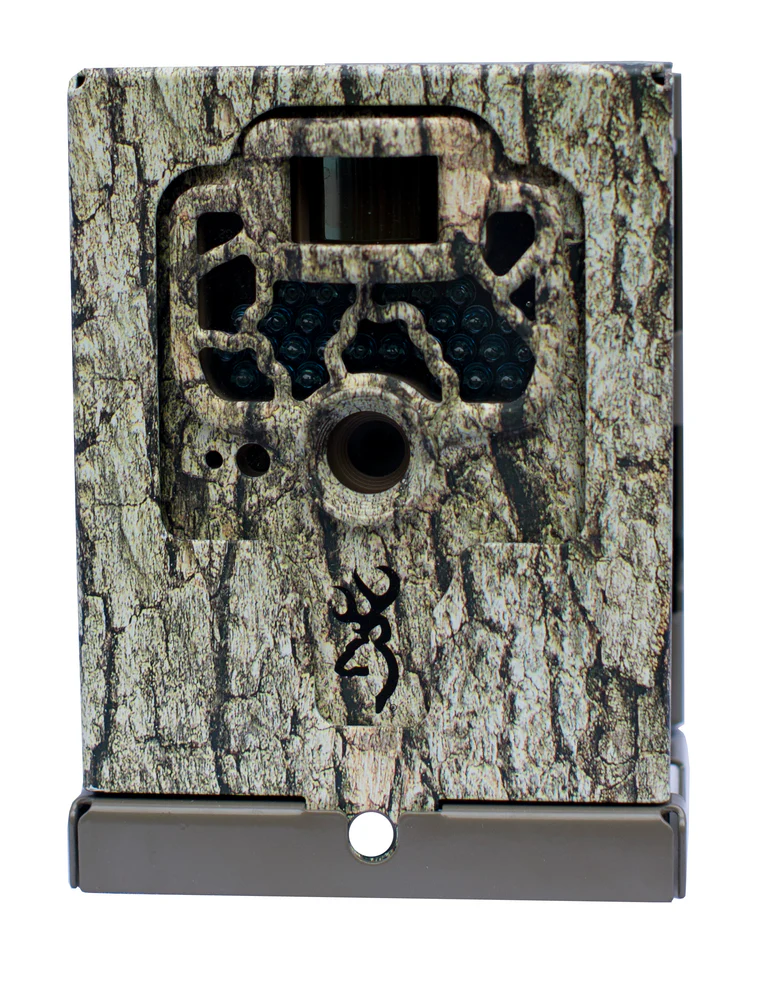
Camera Security Boxes
Steel enclosures protect the camera body. Choose the correct fit for your model and use with a separate lock.
View Product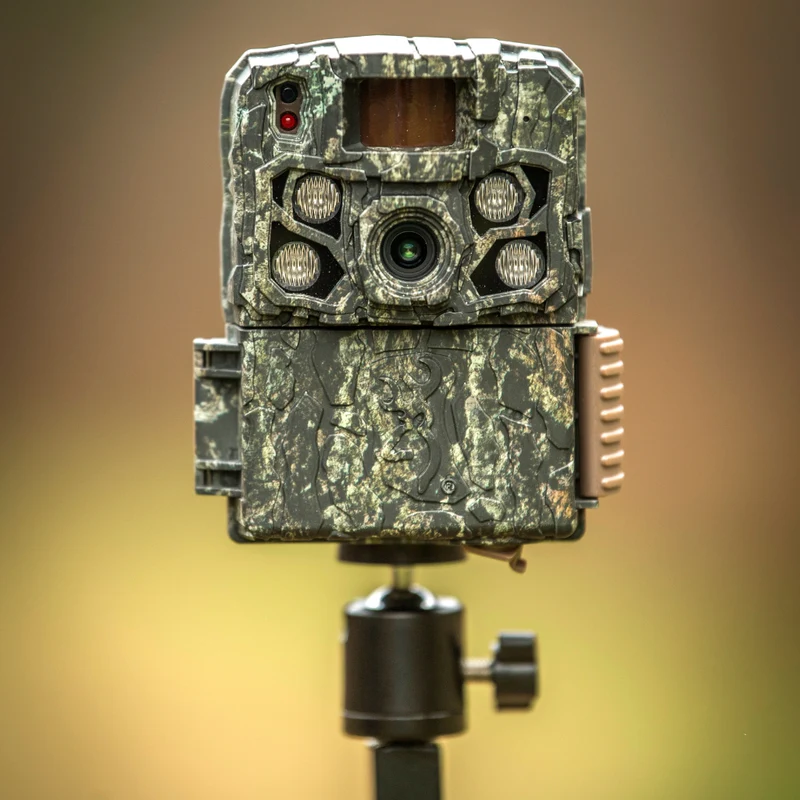
Field Mount
A ground-mounted support for open areas without trees or posts. Adjust the camera towards your observation point.
View Product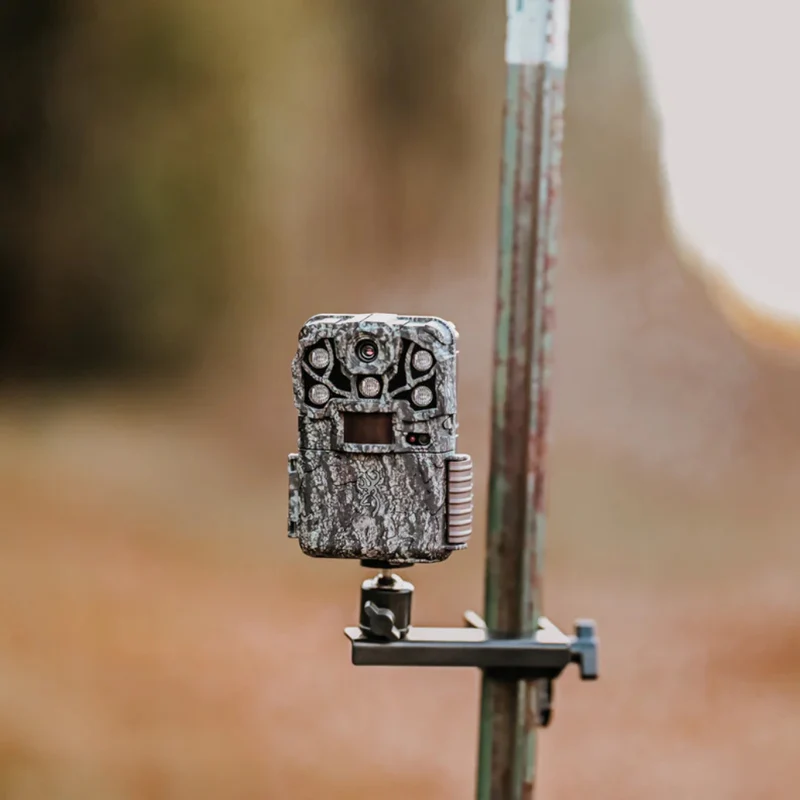
T-Post Mount
Attach a camera to a metal T-post. Use existing fence posts to establish observation points.
View Product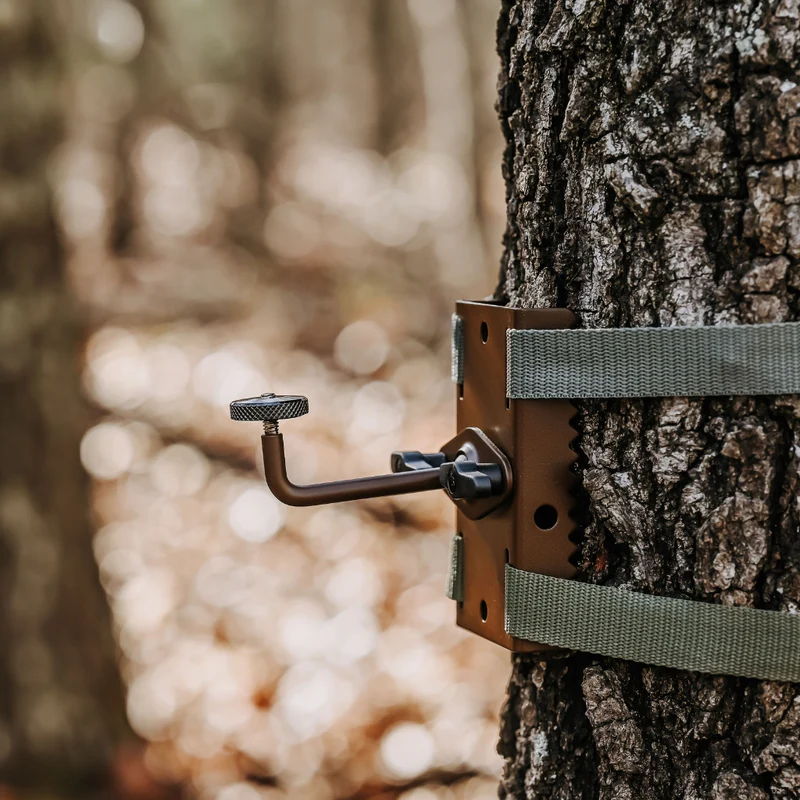
Tree Mount
Mount a camera on a tree or wooden post. Adjust the head to set the viewing direction and angle.
View ProductBefore You Choose a Camera
Find answers about recording methods and product requirements.
How does a trail camera record?
A trail camera automatically takes photos or video when it detects movement or at set intervals. Install it outdoors to record wildlife and surrounding activity.
Do all models record 4K video?
Video resolution varies by model: Dark Ops Pro DCL Nano records 4K, Spec Ops Elite HP5 Ultra 1440p, Defender Pro Scout Max HD Solar 1080p, and Command Ops Elite 40 900p.
How do detection and illumination ranges differ?
Detection range is the area in which the sensor detects movement. Illumination range is how far infrared light reaches at night. Consider both when planning camera placement and coverage.
Is the infrared light visible at night?
Low-glow illumination may show a faint red glow during capture. No-glow or Invisible IR reduces visible red light. Choose a lighting type that suits the subject and location.
How can I view photos and video?
Retrieve the camera's SD card to view files on a computer. Defender Pro Scout Max HD Solar also lets you view photos uploaded to the server and change camera settings via app or web.
What should I prepare before installation?
Prepare a supported SD card, power supply and suitable mount. Set the date and time, then test framing and file storage before leaving the site.
Are batteries and SD cards included?
Batteries and SD cards are sold separately. Check each product page for the required battery count and maximum storage capacity.
Official Importer & Distributor in Korea
NA International
NA International is the official importer and distributor of Browning Trail Cameras in Korea. Contact us about product configurations, supply schedules, installation and use. Tell us your intended use, models and quantities so we can help with your requirements.
